This article shows how to perform the Initial Setup for TP-Link routers. The setup for
other brands of routers should be similar.
Unlike some other internet articles, and especially unlike the sketchy "Quick Setup" documents
that you get with the router and/or on the manufacturer's internet manuals, I will provide tips on what
to do when things don't work like the article/manual says!
I have also provided some information on how to understand some of the settings:
If the router immediately does a "firmware update" when first turned on, nothing will work right until you do a "reset". Nobody tells you this!
Should you combine some of the separate bands, or not?
What are those archane Security Protocol names?
 |
Here is one model of TP_Link routers, the TP-Link BE9700. The router (Covers up to 2600 sq ft home) A Power adapter/supply Connecting cable for router-to-modem, cat 6 A (minimal) Quick setup Guide Here is the ordering link on buying the router. As noted on my Home page, Amazon may pay a small commission to a referring web site. But the product price remains the same. |
|
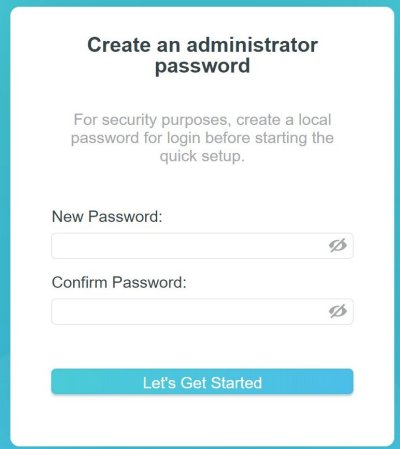
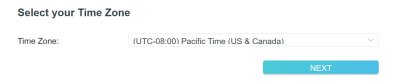
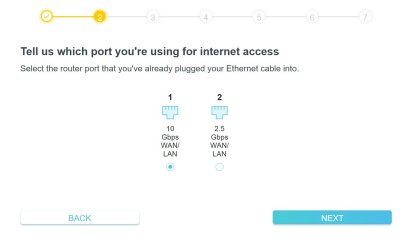
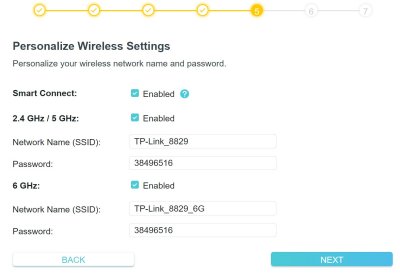
Details on the Initial Setup of Your Router
|
|
 |
 |
|
|
 |
 |
|
|
 |
 |
|
Some Info About Combining the 2.4, 5, and 6GHz bands and Also about Security Protocol |
 |
Combining Bands: |
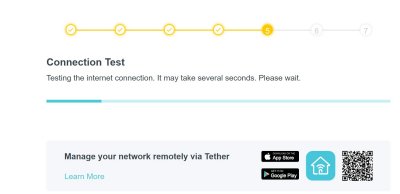
You're finished!
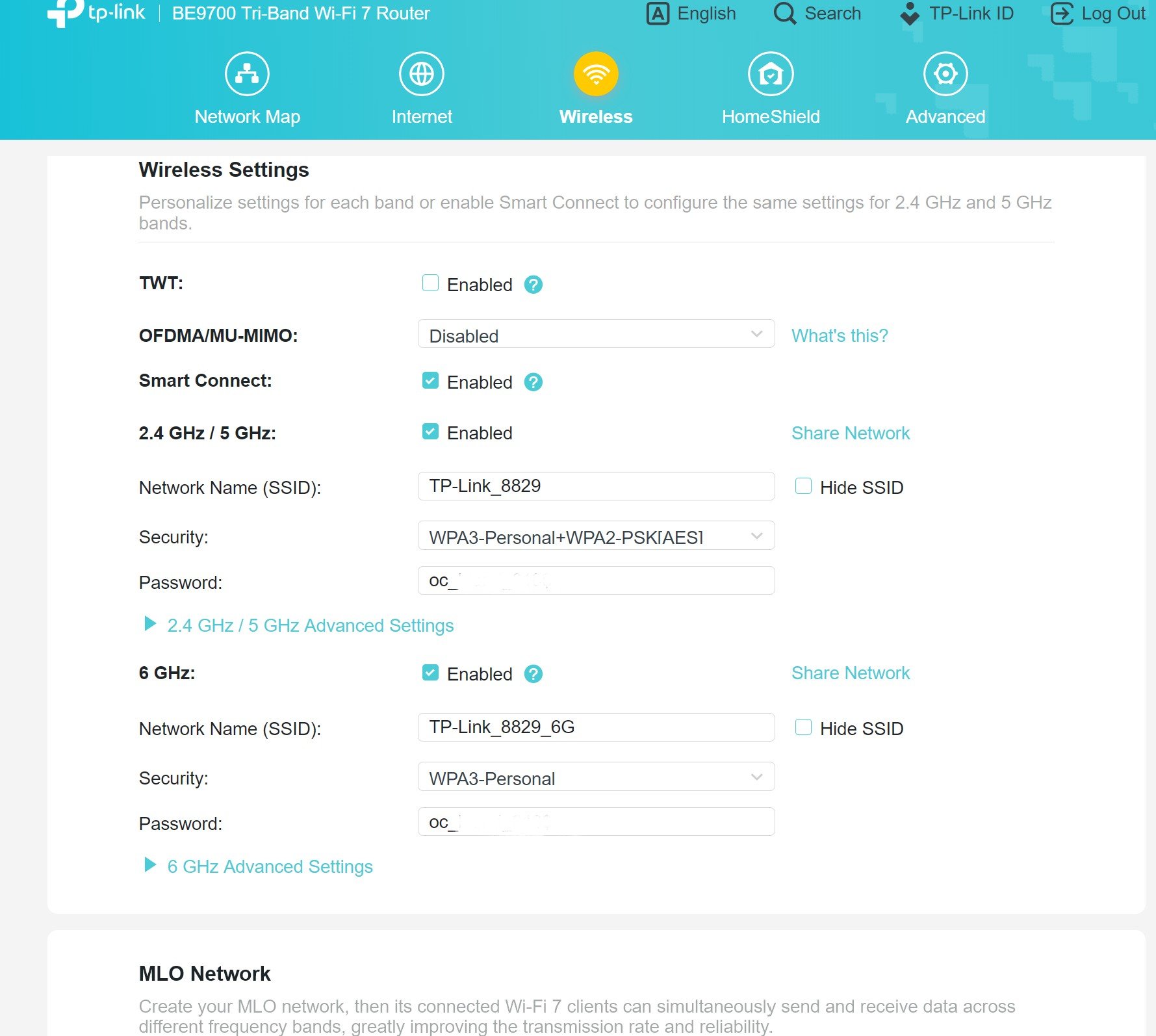
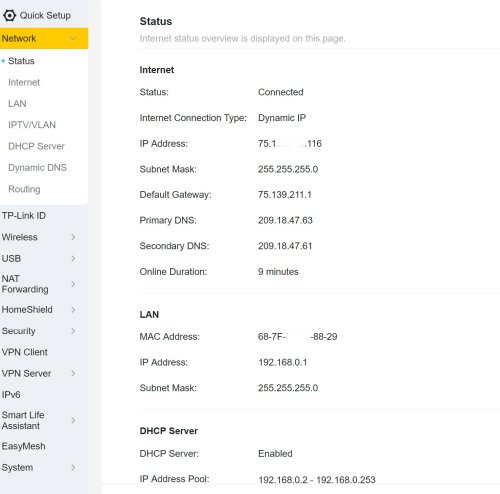
Checking Your Settings After Installation
|
|
 |
 |
|
|
 |
I started by connecting our iPhone 15 Pro Max and our iPhone 16 Pro to the
2.4/5 GHz Network. But later I changed to the 6GHz Network, and found that it was noticably faster. Antenna Orientation. The RF signal propagates perpendicular (i.e., sideways) from the antenna. So if the antenna is vertical, the signal will emit horizontally. So, for a single story house, orient all the antennas straight up. But for a multistory house, orient some of the antennas about 45 degrees. This directs
the signal on the 45 degree antennas partially downward/upward, to improve the signal on the floor above or below
the router. Want the best, strongest signal of all? Skip the wireless and hard wire the device!
For our Samsung TV in the living room, I managed to route a cable from one of the four router ports to the TV.
(Had to go into the crawl space to do it, but I can stand up in most sections of our crawl space, since the house
was built on a slope.)
Now, when I select a streaming service, many times the "Who's Watching" screen comes up almost instantly. |
Things That May Happen if You did NOT Reset After Firmware Update
|
|
 |
 |
|
|
 |
Copyright © 2026 J.A.